Work with multimedia projects in the Premiere Pro and synchronize different elements for comprehensive output. The extension creates sequences and combines clips from different cameras and recorders by sorting them in assigned tracks. The results are saved as part of standard .prproj files.
- In Premiere, create the sequence you want to sync. Put the clips from each camera or audio recorder on their own tracks. Save the project.
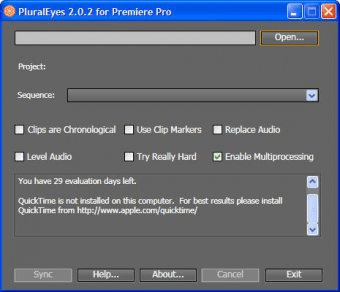
- Start the PluralEyes for Premiere Pro application. (It is a standalone application, not a plug-in.)
- (CS4) Open the Premiere project file (.prproj) in PluralEyes.
- (CS5) In Premiere, export the project to Final Cut Pro XML format using the menu item File > Export > Final Cut Pro XML.... Open the exported file in PluralEyes.




Comments (2)